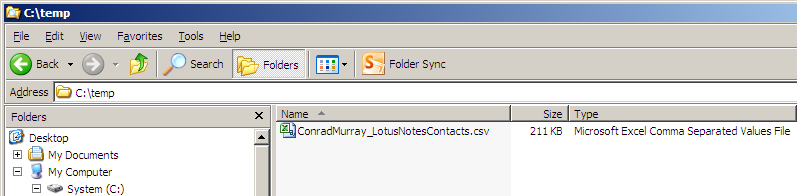
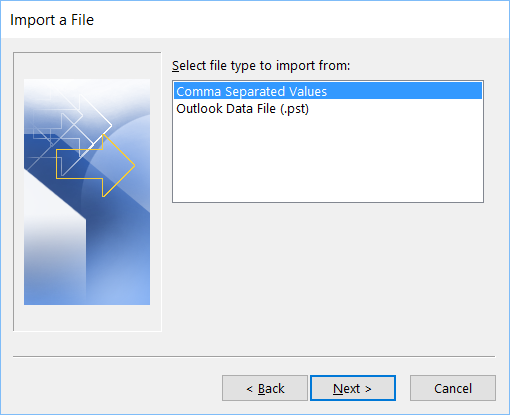
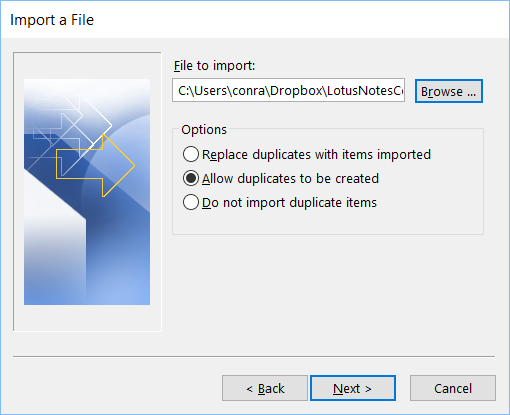
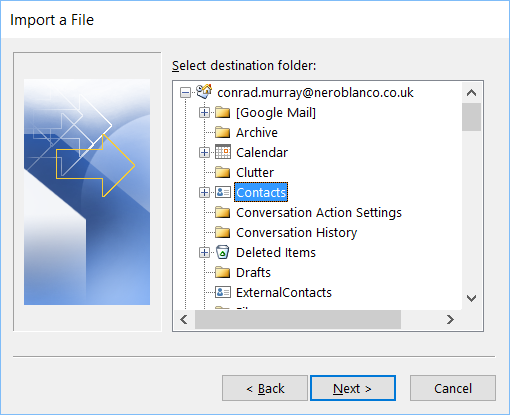
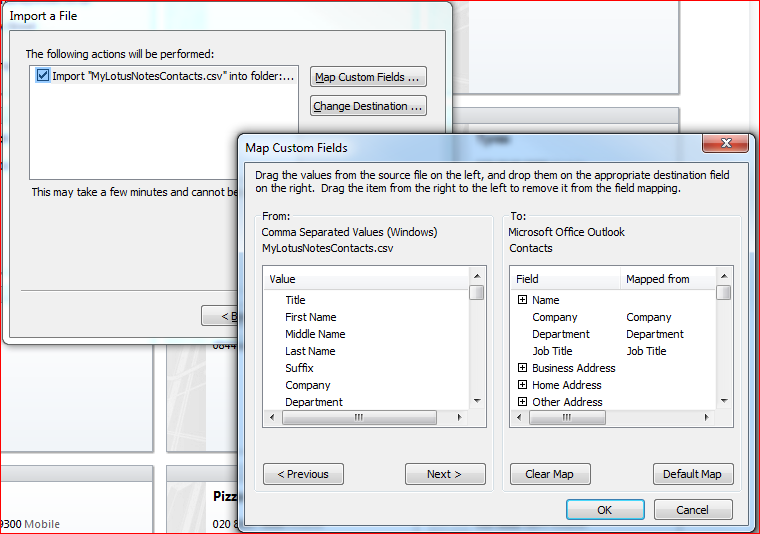
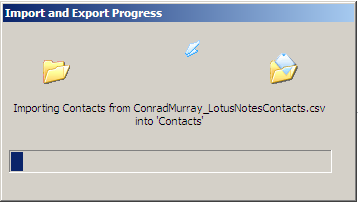
This document is a short form version containing the basic steps to help a fairly competent basic user that has some IT skills to complete the task of exporting their Lotus Notes personal contacts and importing them into Microsoft Outlook. This document should definitely be sufficient for an IT Support Person or Helpdesk consultant. There are advanced options available throughout this process that have been ignored.
The presence of Photos, Attachments or x500 Internet certificates present on Source Lotus Notes Contacts is ignored in this document.
These need to be exported and imported using a Virtual Card File (VCF ).
It is assumed that the Lotus Notes version in use is Lotus Notes version 8.5.x and above and that the design of the Personal Address Book is of a Notes 8x or higher Template.
It is assumed that the target Outlook Version is Outlook 2010/2013/2016, although this method will work for Outlook 2003 & Outlook 2007 also.
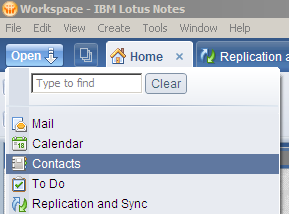
Open your Lotus Notes Personal Address Book – Contacts (names.nsf)
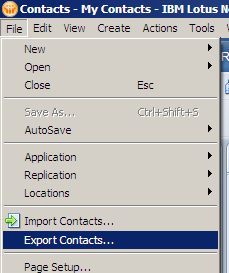
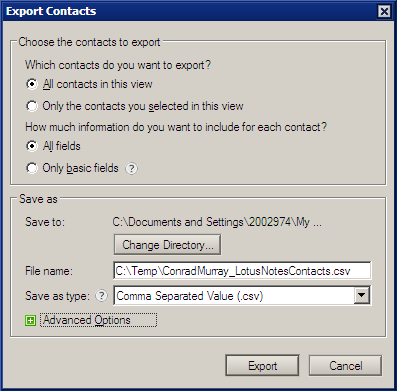
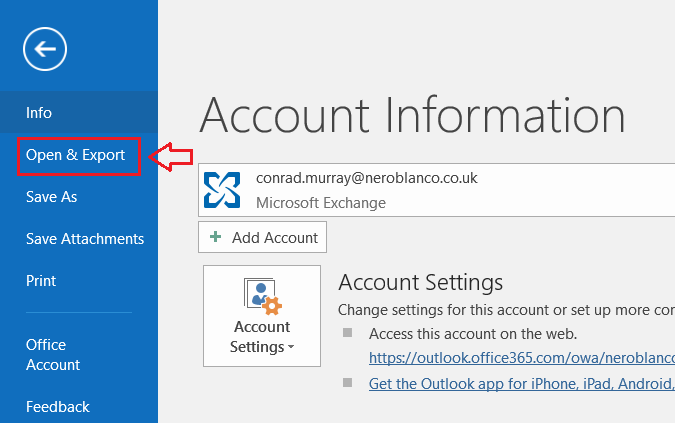
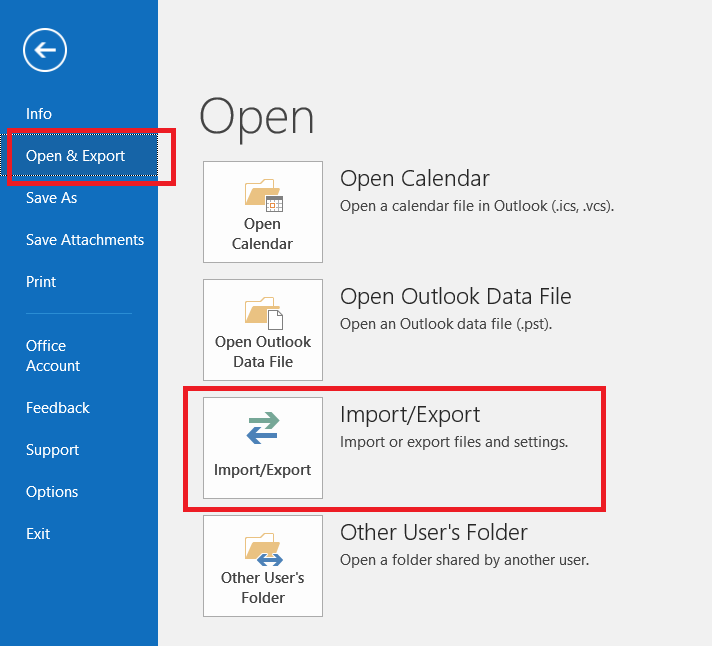
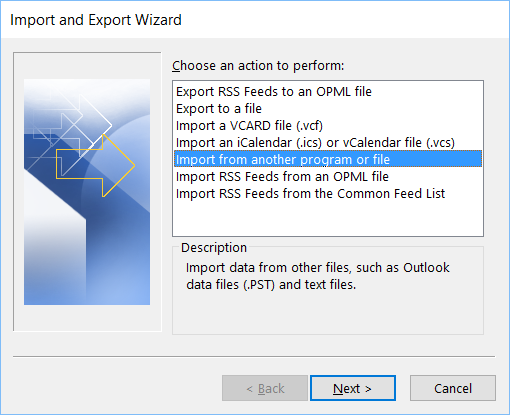
Choose File from the Menu Bar and then choose “Open & Export” from the left hand Menu Pane
(If this is the first import you have done, accept the defaults otherwise think about the Options for potential duplicates)
Unless something goes wrong and you are starting again, you should not need to edit the Filed Mappings (Previous versions of Notes DID require this)
Volia
The inexpensive (FREE) way to Migrate your Lotus Notes Contacts to Microsoft Outlook!