In the modern messaging world Transport Layer Security has become the norm and given the ease at which Microsoft Exchange is able to achieve this out of the box, organisations quite rightly demand this when they are on Coexistence mode between IBM Domino and Microsoft Exchange.
Up to Domino 8.5.x Domino does not actually do genuine TLS – it actually does HTTPS v3 for Message Transport. Apparently Domino 9 will do TLS natively.
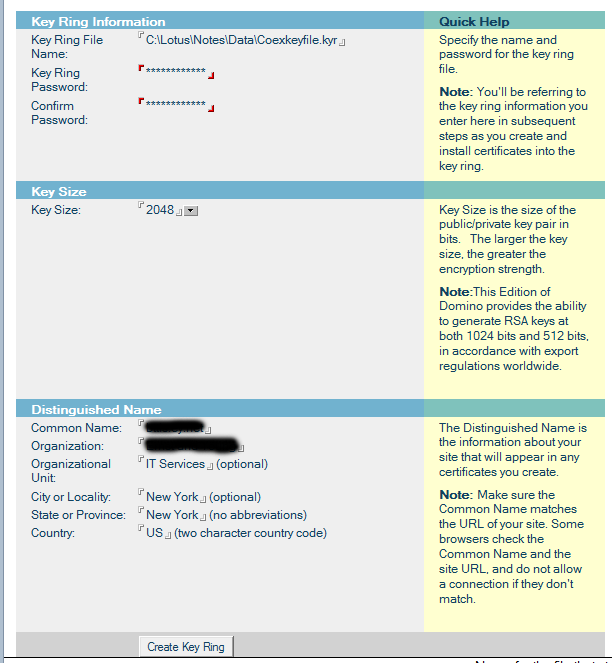
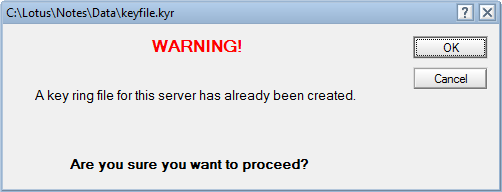
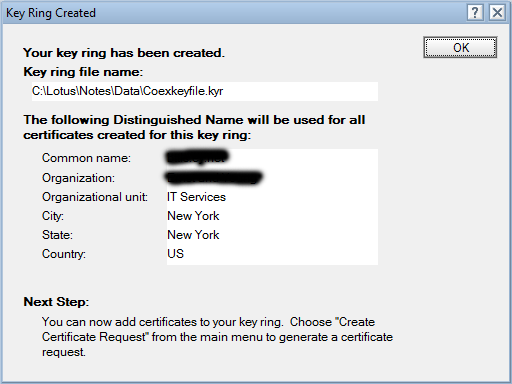
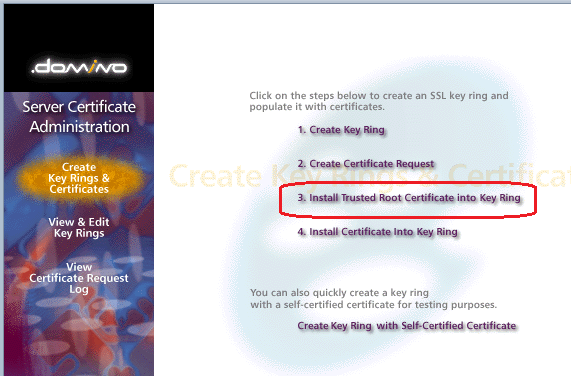
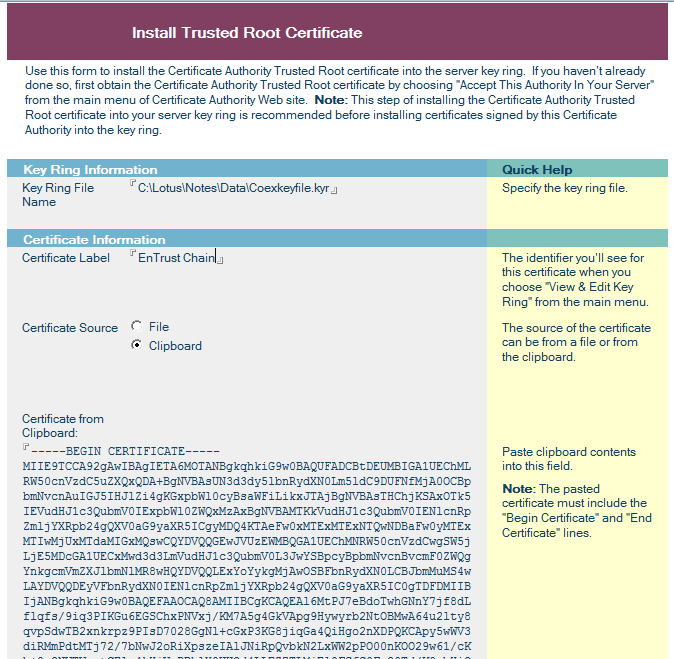
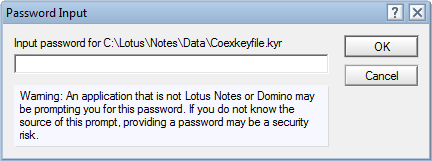
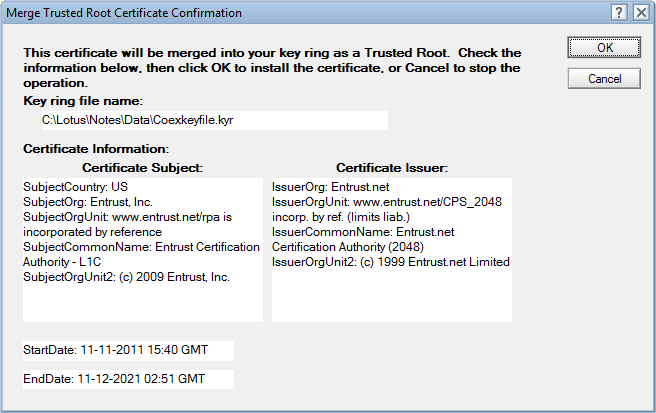
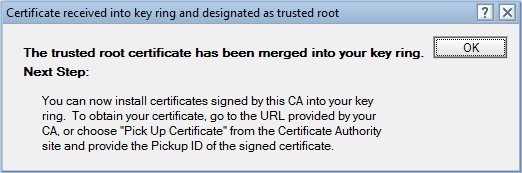
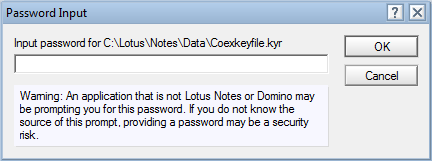
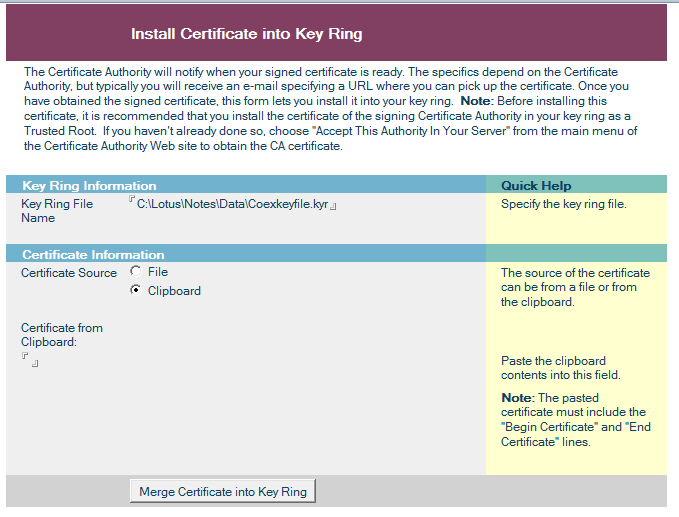
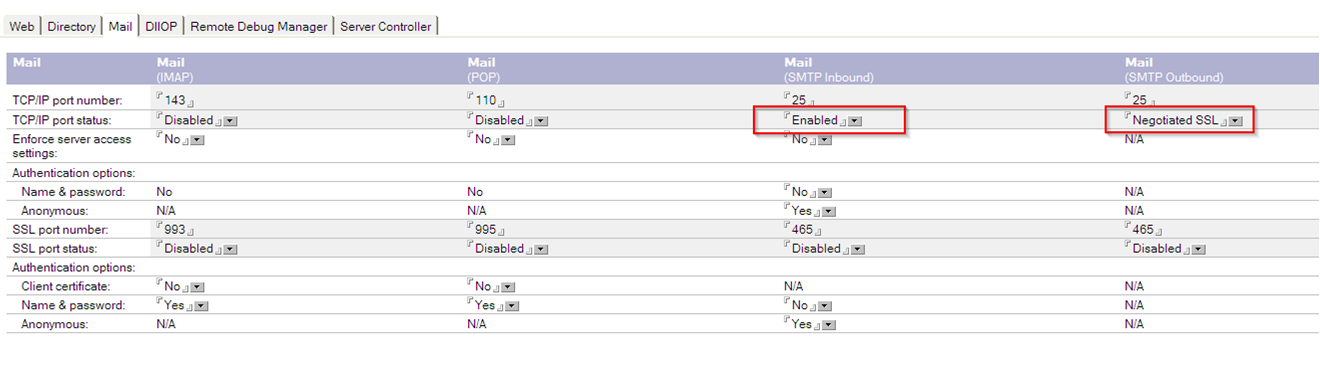
Below I have outlined the steps to Configure Domino 8.5.3 and Exchange 2010 for TLS.
—–BEGIN NEW CERTIFICATE REQUEST—–
***************************************************************************
***************************************************************************
***************************************************************************
***************************************************************************
***************************************************************************
***************************************************************************
***************************************************************************
***************************************************************************
***************************************************************************
***************************************************************************
***************************************************************************
***************************************************************************
***************************************************************************
***************************************************************************
***************************************************************************
—–END NEW CERTIFICATE REQUEST—–
Sent to CA
—–BEGIN CERTIFICATE—–
***************************************************************************
***************************************************************************
***************************************************************************
***************************************************************************
***************************************************************************
***************************************************************************
***************************************************************************
***************************************************************************
***************************************************************************
***************************************************************************
***************************************************************************
***************************************************************************
***************************************************************************
***************************************************************************
***************************************************************************
—–END CERTIFICATE—–
HTTPJVMMaxHeapSize=64M
Debug Settings
If Anything Goes wrong, use these:
;SMTPClientDebug=0
;SMTPDebug=0
;SMTPDebugIO=0
;SMTPSaveOutboundToFile=1
;SMTPSaveImportErrors=0
;HTTPDebugLogDirectpry=<path>
;HTTPEnabledThreadDebug=1
;HTTPEnablePostDataLogging=1
;HTTPEnableResponseContentLogging=1
;DEBUG_SSL_ALL=1
;TraceSSLHandshake=1
;ReportSSLHandshakeErrors=1
Restart The Router and SMTP tasks
Get-ReceiveConnector | ? { $_ -like ‘*domino*’ } | Set-ReceiveConnector -RequireTLS $true -ProtocolLoggingLevel Verbose
Get-ReceiveConnector | ? { $_ -like ‘*domino’ } | Set-ReceiveConnector -AuthMechanism Tls -PermissionGroups AnonymousUsers
Get-ReceiveConnector | ? { $_ -like ‘*domino’ } | Add-ADPermission -User “NT AUTHORITY\ANONYMOUS LOGON” -ExtendedRights “Ms-Exch-SMTP-Accept-Any-Recipient”
Get-ReceiveConnector | ? { $_ -like ‘*domino*’ } | FL Identity,RequireTLS,ProtocolLoggingLevel
Get-SendConnector | ? { $_ -like ‘*domino*’ } | Set-SendConnector -TlsAuthLevel $null -IgnoreSTARTTLS $false -RequireTLS $true -ProtocolLoggingLevel Verbose
CHECK Config
Get-SendConnector | ? { $_ -like ‘*domino*’ } | FL Identity,TlsAuthLevel,RequireTLS,IgnoreSTARTTLS,ProtocolLoggingLevel
Restart-Service MSExchangeTransport